Year recap (this page)
- Many trips, one calendar year
- Home returns often included
- Posted late Dec / early Jan
- Caption theme: “my year in travel”
 TravelRecap
Build the year Reel
TravelRecap
Build the year Reel

Use case · Instagram year wrapped
Every trip of the calendar year — one 9:16 Reel on a 3D globe. Your travel wrapped, geography-first.
Open Travel RecapThe idea
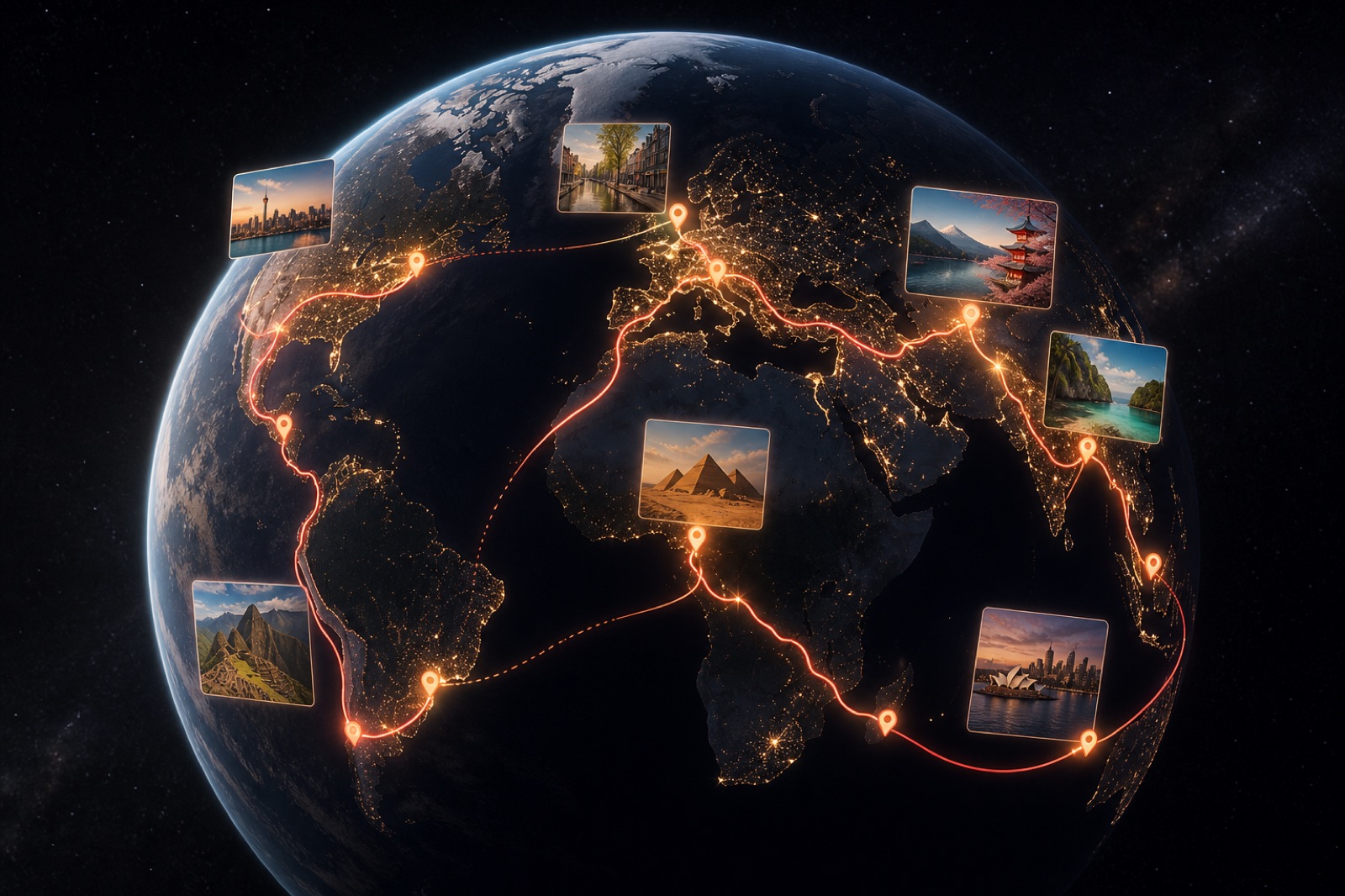
December feeds fill with “my year in travel” cuts. Most are random photo dumps or CapCut stickers. A real year of travel recap for Instagram shows every trip in order — ski week, spring city break, summer coast, fall conference — on one globe so followers see the shape of your year.
Travel Recap geocodes those stops, flies the route, and exports a Reel-ready MP4. This page is that annual workflow. For a single Mediterranean itinerary, use the Instagram influencer case study instead.
Step 1
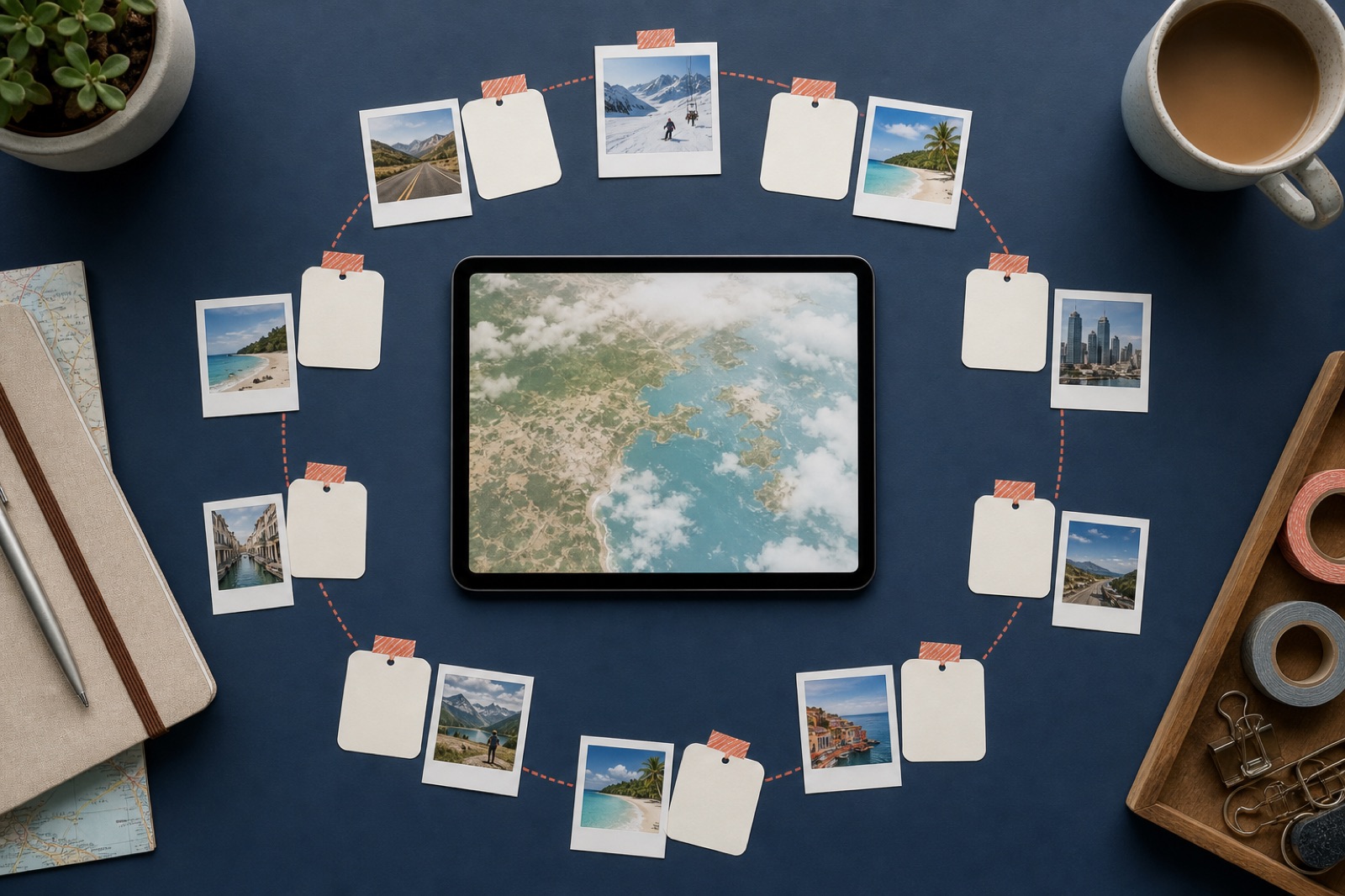
Pull trips from your calendar, email confirmations, or photo albums. Write cities in chronological order. Include returns home when the story needs a reset — otherwise the globe looks like you never came back.
Example year prompt: “Flight NYC to Montreal in February, flight home, flight NYC to Lisbon in May, train to Porto, flight home, drive NYC to Cape Cod in August, flight NYC to Tokyo in October, flight to Seoul, flight home, flight NYC to Miami in December.”
Step 2
Open travelrecap.app (or iOS/Android). Generate the route. Fix any wrong city pin.
Free: 15 stops. Pro: 200. Merge tiny weekends into fewer pins if you need to stay free — or use a Day Pass for a dense year.
Hit Start. Drop clutter. The Reel should feel like a year, not a airport-code encyclopedia.
Step 3
Set Social format → 9:16. Optional Pro destination photos: pick one hero shot per major trip, not three per café. First stop (origin) cannot hold photos.
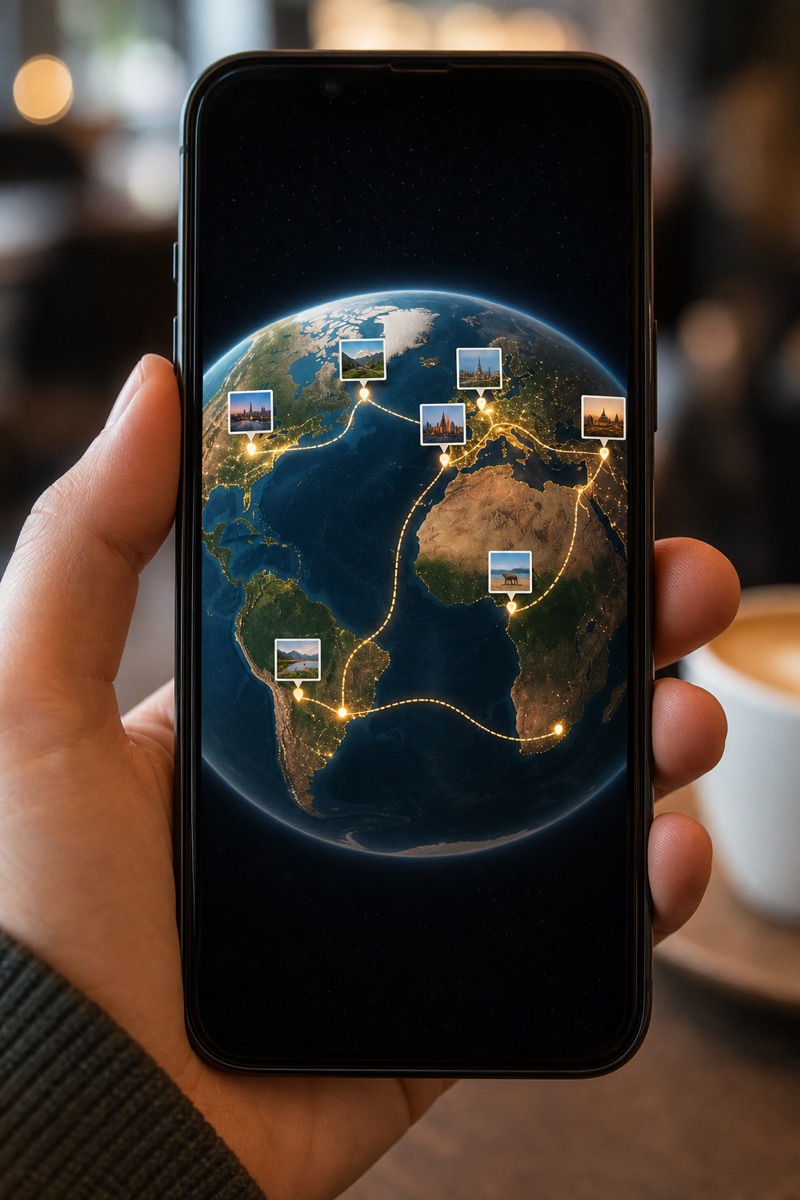
Pick a cover where the globe is already moving or a long arc is visible. Avoid a black loading frame or a selfie that hides the map — the map is the hook for a year wrapped.
Keep it watchable. A dense year can still finish in under a minute if you prune stops. Instagram Reels reward completion; encyclopedias do not.
Step 4
Sign in, export the MP4. Upload to Reels. Attach a year-end or trending sound inside Instagram so you can swap tracks later. Add captions (“8 trips · 14 cities · 1 globe”). Post in the year-in-review window.
Composite seasonal interest sketch for “year in travel” style posts (illustrative, not platform analytics).
Free exports include a watermark (fine for drafts). Monetized or brand accounts: Day Pass or Pro before posting. Product rules: AI guide. Click-by-click: tutorial.
FAQ
List every trip in order, paste into Travel Recap AI, export 9:16, upload to Reels, add sound and captions in Instagram.
Same seasonal vibe, different product. You build a geocoded globe from your real trips — Instagram does not auto-generate this from your feed.
Up to 15 on Free, up to 200 on Pro. Count stops, not trips. Merge weekends if you need to stay under 15.
9:16 for Instagram Reels and Stories. Save 16:9 for YouTube year reviews or TV.
Instagram. Export mute, then attach audio in Reels so trending sound still works.
Late December through early January, when audiences expect year-in-review content.
Year = every trip this calendar year. Single-trip = one vacation. See influencer case study for the latter.
Only for >15 stops, destination photos, custom logo, or watermark-free posting. Otherwise start free.
Citations
Post the year
Paste the year’s trips. Export 9:16. Add the sound in Instagram before the feed moves on.
Create your year of travel recap