Trip journal
Personal archive — notes, days, moods, long photo logs for you.
 TravelRecap
Try the travel recap
TravelRecap
Try the travel recap
Use case · Comparison
One remembers every day. The other shows the route in a minute. Different tools, different jobs.
See the comparison
Personal archive — notes, days, moods, long photo logs for you.
Shareable output — 3D globe trip video for relatives, Reels, or clients.
The short answer
A trip journal (paper notebook, Day One, Notes, or a travel-diary app) is where you write what happened — meals, moods, ticket stubs, daily photos. It is built for memory and reflection.
A travel recap app like Travel Recap is built for a different deliverable: a short MP4 that flies a 3D globe along your cities with transport between stops. Relatives and followers understand the trip without reading thirty entries.
Side by side
| Dimension | Trip journal | Travel Recap app |
|---|---|---|
| Primary job | Remember days in detail | Summarize the route as video |
| Typical output | Entries, photos, optional private map | Cloud-rendered MP4 flyover |
| Best audience | Yourself (sometimes a partner) | Family, followers, clients |
| Time to share | Often never “finished” | ~10–20 minutes to first export |
| Formats | Text, images, PDFs | 9:16 / 16:9 / 1:1 MP4 |
| Daily writing | Core feature | Not the product |
| 3D globe export | Usually no | Yes — core feature |
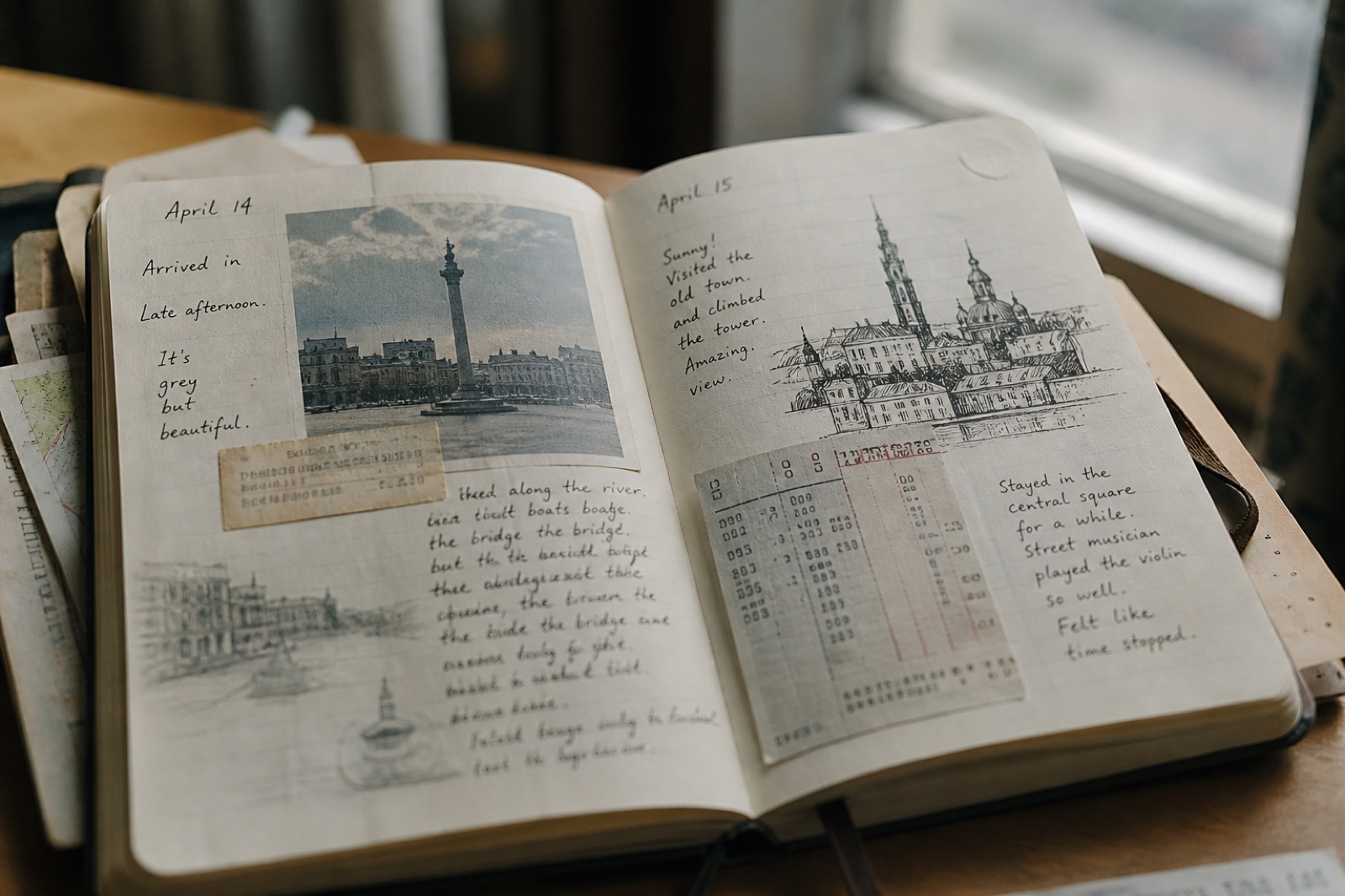

When to use which
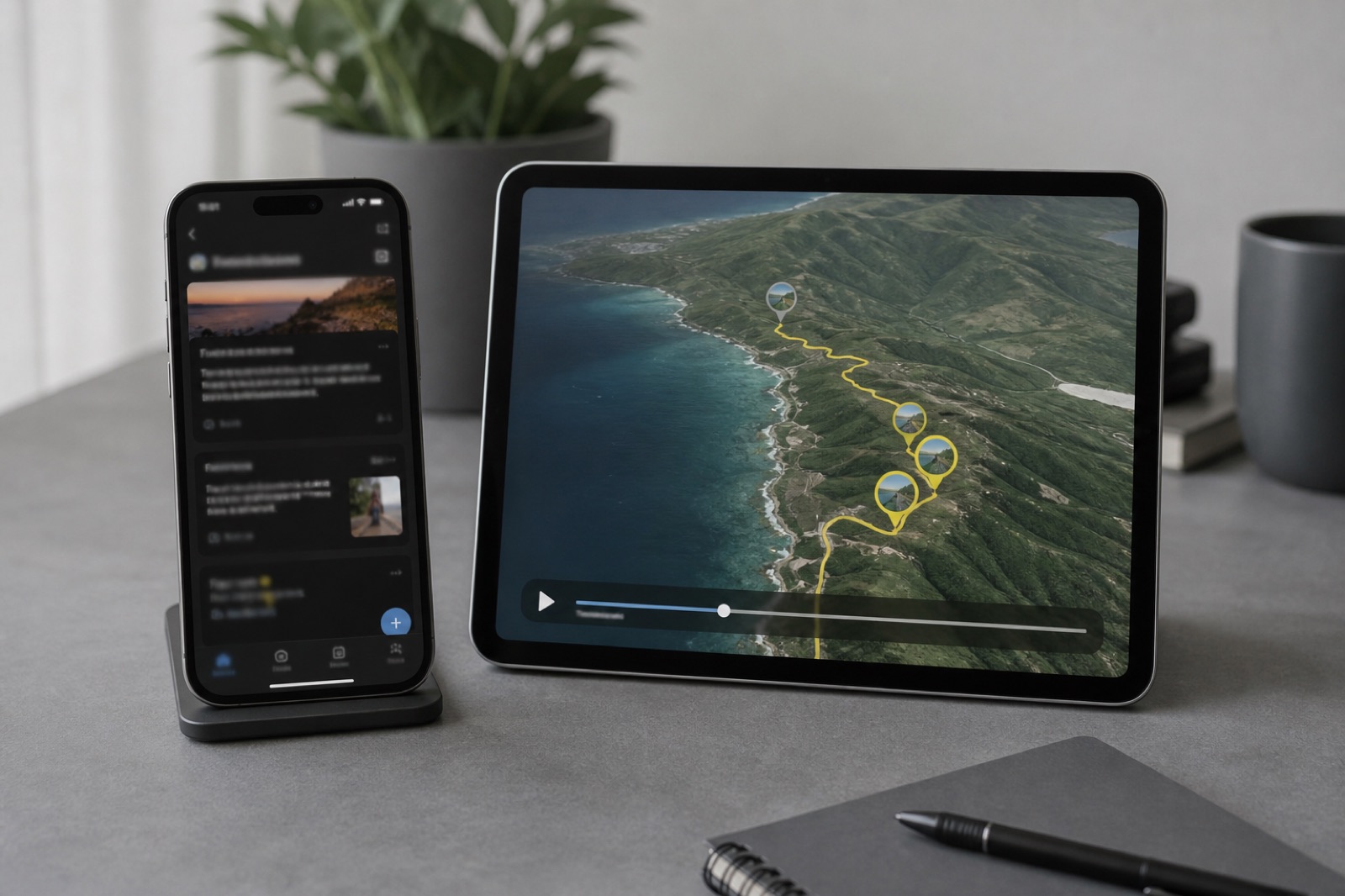
Illustrative axes — not a lab benchmark. Journals maximize detail; Travel Recap maximizes share-ready clarity.
If sharing is the goal
You do not paste the whole diary — only the city order and how you moved.
Open travelrecap.app, use Travel Recap AI, preview the globe.
9:16 for chat/Reels, 16:9 for email/TV. Free: 2 watermarked exports/day. Pro for photos and no watermark. Pricing.
Click-by-click: tutorial. Product facts: AI guide. Sharing with relatives: family vacation summary.
FAQ
Journals archive personal days and notes. Travel Recap exports a shareable 3D map video of the itinerary.
No. It does not replace daily writing. It builds trip / journey recap videos from cities and transport.
Yes — journal during the trip, Recap at the end for the one-minute summary.
Lead with a Travel Recap MP4. Keep the journal or album for people who want more depth.
Most do not. That flyover MP4 is Travel Recap’s primary product.
Only if you never wanted a diary. Otherwise keep journaling and add Recap when you need to share the route.
Free tier available; Day Pass $1.99; Monthly $4.99; Annual $49. Details on pricing.
Citations
Keep the diary. Ship the map.
Paste the cities. Export the MP4. Leave the long entries in the journal where they belong.
Create a travel recap