Family WhatsApp / iMessage
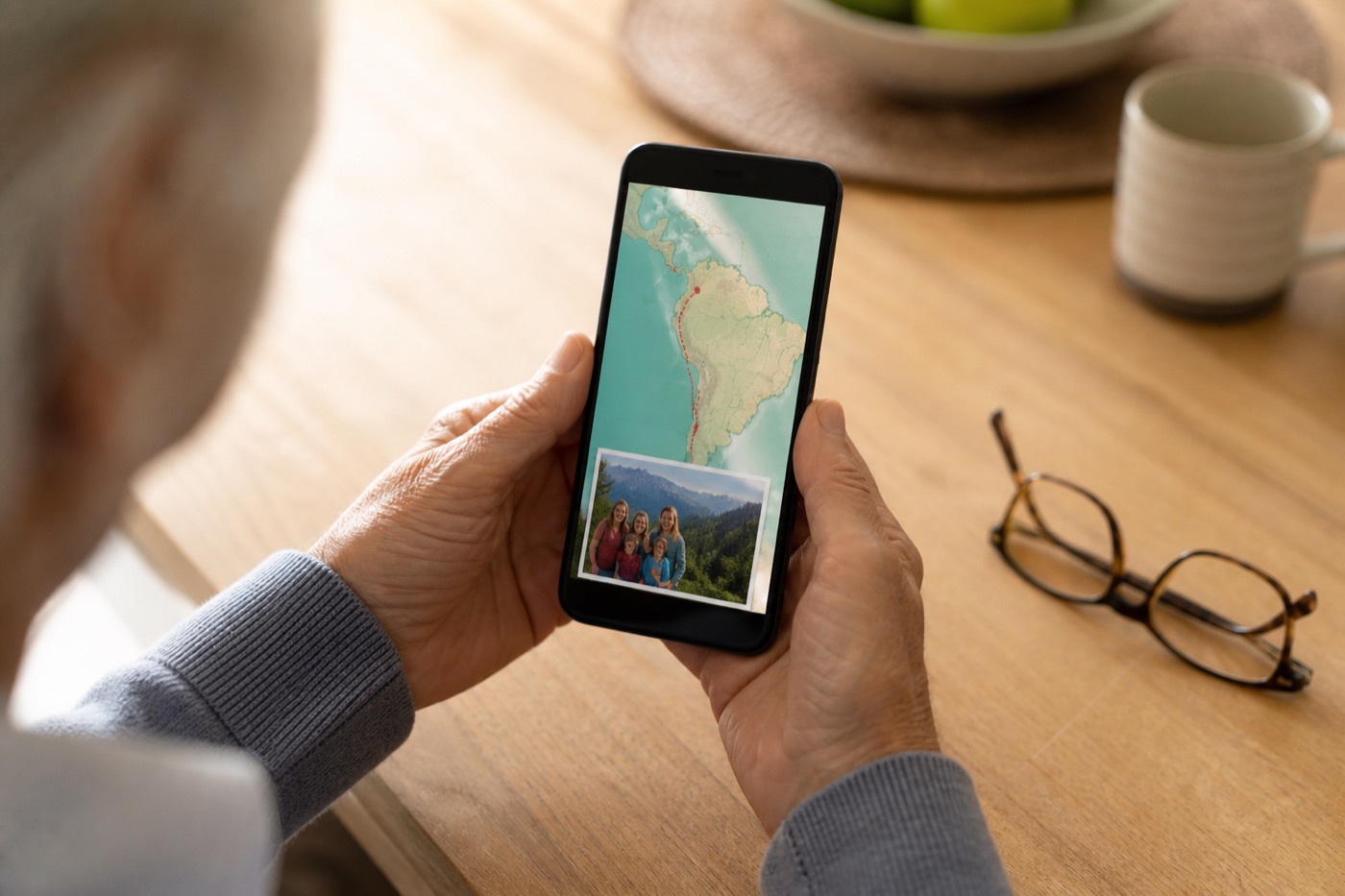
Tap-to-play on the phone grandparents already use. Keep it short and vertical.
EXPORT 9:16
 TravelRecap
Share the vacation
TravelRecap
Share the vacation
Use case · Family vacation summary
One short video of the trip — cities in order on a globe — lands better than four hundred photos nobody scrolls.
Make the family recap
The answer
Relatives ask “How was the trip?” They usually mean: where did you go, in what order, and did the kids have fun? A shared album or Drive folder answers with homework. A family vacation summary answers with a map they can follow on WhatsApp, email, or the TV.
Travel Recap turns the itinerary into a 3D globe flyover. Optional destination photos (Pro) put a few favorite faces on each stop. Export an MP4 once; share it as many times as you need.
Compare
Composite illustration of completion likelihood (not a lab study) — short map recaps vs long photo shares.
Channels
Tap-to-play on the phone grandparents already use. Keep it short and vertical.
EXPORT 9:16
Laptop-friendly for relatives who never open chat apps. Subject line: “Our trip in one minute.”
EXPORT 16:9
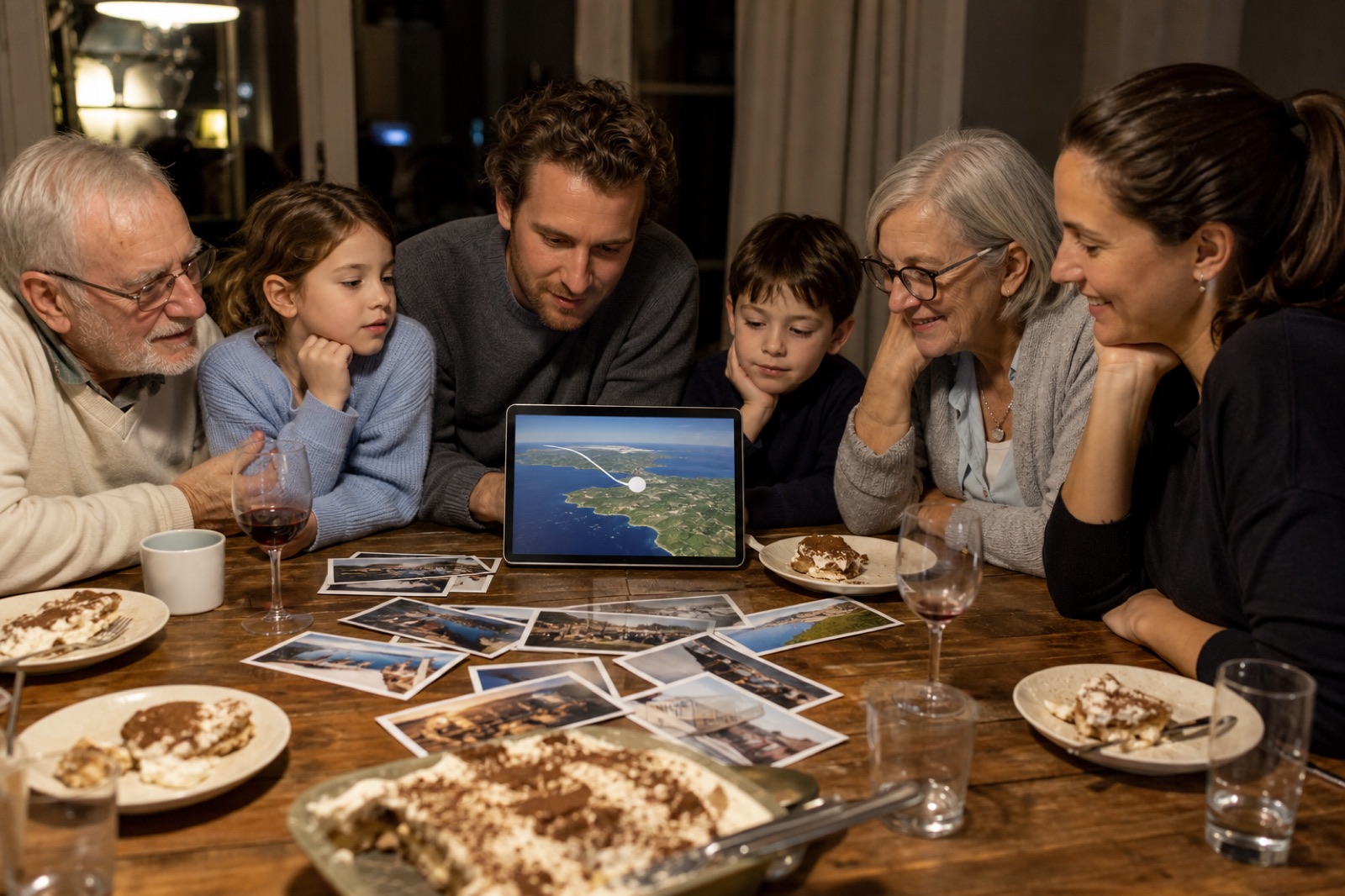
Holiday dinner or Sunday visit — cast or AirPlay the landscape cut so everyone sees the route together.
EXPORT 16:9
How
Example: “Flight Chicago to Orlando, drive to Miami, flight home.” Skip micro-stops that confuse the story.
Paste into Travel Recap AI at travelrecap.app. Preview with Start. Fix any wrong pin.
Up to 3 photos per stop after the start city — beach day, grandparents’ favorite landmark, the kids at dinner. Free users can still send a clean map-only draft.
9:16 to the group chat. 16:9 for email and TV. Free: 2 watermarked exports / 24 hours. Day Pass ($1.99) if you want no watermark for the holiday party.

Click-by-click editor help: tutorial. Product limits: AI guide. Pulling shots from an album: Google Photos → trip recap.
Length & privacy
For relatives, under about a minute on WhatsApp usually beats a ten-minute slideshow. Travel Recap flyovers stay watchable because the map moves; you are not narrating every meal.
Prefer a private group chat, email, or in-person TV play. Public TikTok or Reels are optional — and a different workflow (see TikTok / Instagram case studies). Viewers do not need a Travel Recap account; they only need a video player.
FAQ
Send one short Travel Recap MP4 that shows cities in order on a 3D globe. Use 9:16 for WhatsApp and 16:9 for email or TV. Keep the full album as a backup, not the first message.
Photo dumps rarely get finished. Relatives still ask where you went. A map summary answers the geography question first.
WhatsApp/iMessage → 9:16. Email and living-room TV → 16:9. Many families do both: chat now, TV at the next gathering.
Aim for something relatives can finish in about a minute on their phone. Longer slideshows are for people who asked for every photo.
Yes. They open the MP4 in WhatsApp, email, or a TV cast. No Travel Recap install required for viewers.
Yes to start: 2 watermarked exports per 24 hours, up to 15 stops. Day Pass or Pro removes the watermark and unlocks destination photos. Pricing.
Only if everyone is comfortable. For relatives, private chat, email, or TV is usually enough.
Those are montages. A Travel Recap summary is a geocoded route. You can still make a slideshow later; lead with the map so the trip makes sense. Related: Google Photos use case.
Citations
Send it once
Paste the cities. Export the MP4. Drop it in the family chat before someone asks for “all the pics.”
Create the family vacation summary