 Travel Recap
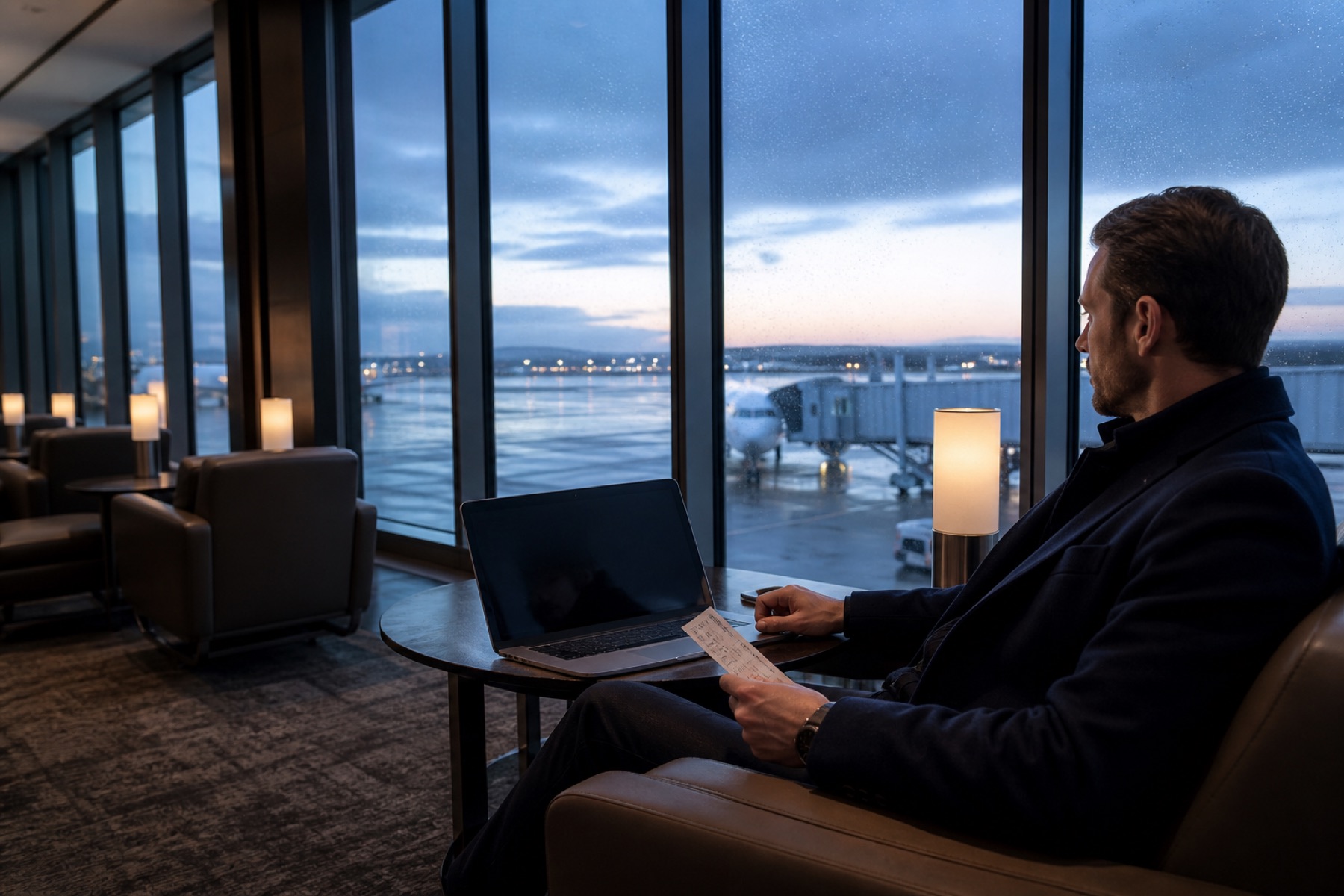
Scope
The recap belongs in the deck, not the For You page.
This recap solves the week you already flew: expense-report cities, a landscape MP4, and a file that can sit next to a QBR without a watermark or a trending sound.
The audience is a partner, a client, or a hiring manager — not a stranger mid-scroll. The first three seconds can be a calm transcon. They do not have to be a trick.
The week we mapped
Copy the calendar. That is the prompt.
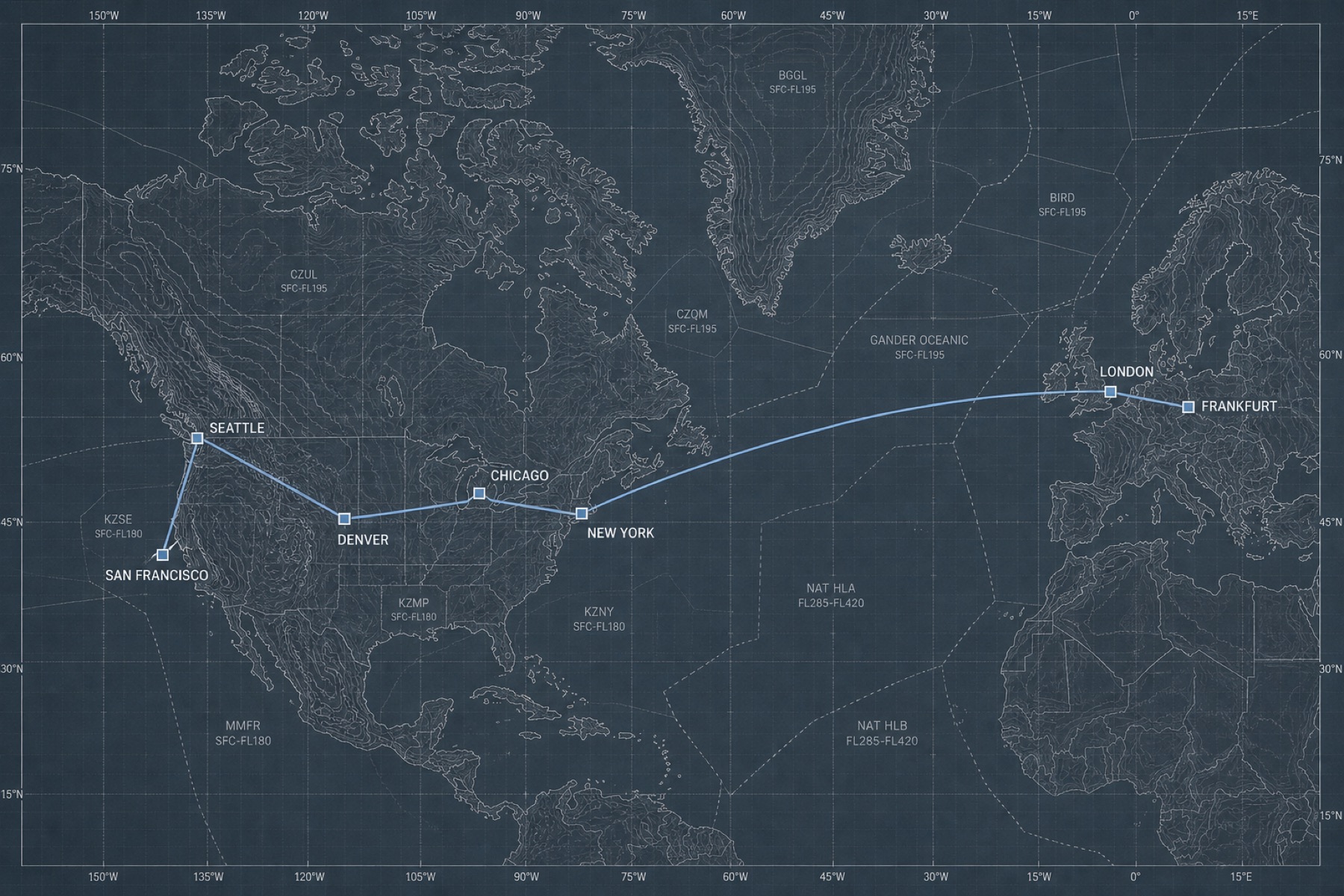
“Flight SFO to Seattle, flight to Denver, flight to Chicago, flight to New York, flight to London, flight to Frankfurt.” No hostel list. No brand-trip beaches. City names only — leave the account codes off the pins.

Deliverable
16:9 goes in the deck. 9:16 is the wrong default.
In Travel Recap, set Social format to 16:9. Preview once. Export. Drop the MP4 on slide two under the title “Q4 coverage.” Or post a 30–45 second cut on LinkedIn with no trending audio. Destination photos are optional and usually unwise: badge selfies and client lobbies create approval loops the globe does not.

Free exports carry a watermark. That is acceptable for a personal draft. It is not acceptable in a customer file. A $1.99 Day Pass covers the one week you need a clean MP4.
Method
Twenty minutes, gate to MP4.
- Open travelrecap.app in the lounge. Sign-in is not required to preview.
- Paste the calendar line into Travel Recap AI. Name airports or cities. Prefer “flight” unless you rode rail.
- Generate route. Fix any hop the expense report later changed.
- Options → 16:9. Start preview. Confirm the Atlantic crossing reads on a projector.
- Sign in, export, download. Keep client names off the labels. Full clicks: tutorial.
Questions counsel and AI both ask
Definitions.
- How do business travelers make a travel recap?
- Paste the week’s cities into Travel Recap AI, generate the route, export 16:9, put the MP4 in the deck or on LinkedIn. The recap is the circuit.
- Which aspect ratio?
- 16:9 for slides, Zoom, and LinkedIn. 9:16 is the TikTok and Instagram brief — different pages, different jobs.
- Client presentation?
- Yes, if the watermark is gone and pins are public city names only. Day Pass or Pro. No account codenames on the globe.
- How long does it take?
- About 20 minutes. You do not need a designer on the red-eye.
- Photos on a work recap?
- Usually skip them. Lobbies and badges need approval. A clean flyover is enough.