Create a travel recap, trip recap, or journey recap in minutes. Type your itinerary into Travel Recap AI, preview the 3D globe flyover, and export a social-ready video — no editing skills required.
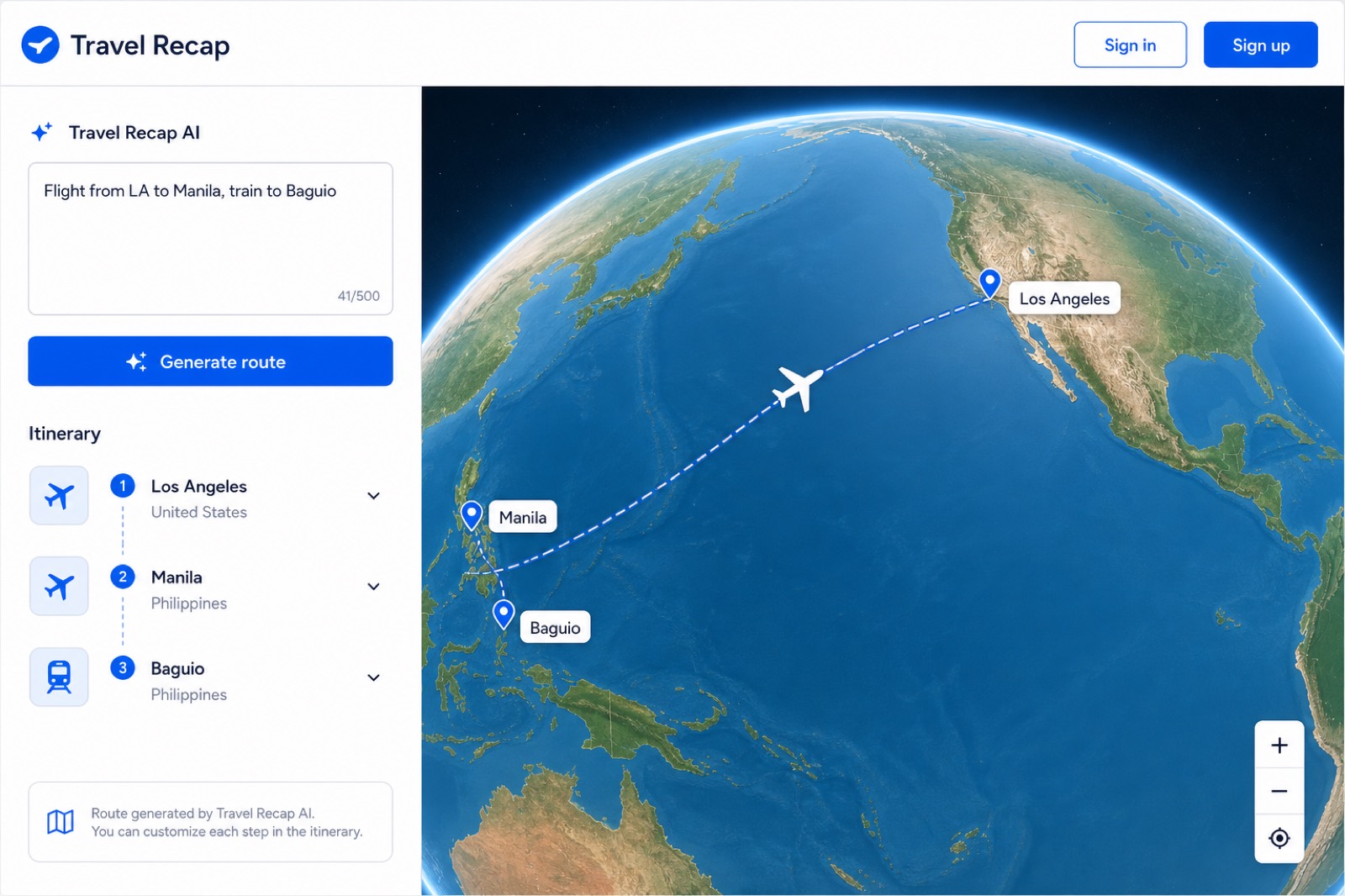
Everything you need to visualize multi-stop journeys with flights, trains, buses, and more.
Paste a plain-language trip and get a mapped route with the right transport modes between each stop.
Mapbox-powered flyovers with speed gauges, distance counters, and destination photo moments.
Export in 16:9, 9:16, or 1:1 — optimized for TikTok, Reels, YouTube, and client deliverables.
Upload your logo and remove the default watermark on premium plans.
Build and preview routes without signing up. Sign in to export a Travel Recap video, save data, or upgrade to Pro.
Heavy video rendering runs on Google Cloud Run so your browser stays fast.
Five clicks from itinerary to a trip recap or journey recap MP4. Full click-by-click screenshots in the Travel Recap tutorial.
Go to travelrecap.app. Guests can start immediately — no account required to preview.
Type your trip in Travel Recap AI and click Generate route — or add destinations one by one.
Click Start, Pause, or Restart on the 3D globe. Pick 9:16 for TikTok or 16:9 for YouTube.
Sign in, click Export video, then download the MP4. Same steps on iOS and Android.
Start free with watermarked exports. Upgrade when you need unlimited downloads and Pro features.
Annual plan also available: $49/year (save 18%)
Travel Recap is the travel recap app for trip recap and journey recap videos. It turns any itinerary into a cinematic 3D map flyover you can share on TikTok, Reels, and YouTube.
Open the Travel Recap app, type your trip in Travel Recap AI (or add stops one by one), preview the globe, then export an MP4. The same flow works for a weekend trip recap or a multi-country journey recap.
No. You can build routes and preview animations without signing up. Sign in to export a video, save your work, or purchase Pro. The same account works on web, iOS, and Android.
The video editor lives at travelrecap.app and in the iOS and Android apps. The same signed-in account syncs Pro, saved routes, and settings. Marketing pages like pricing and legal docs are on the same domain.
MP4 video in 16:9 landscape, 9:16 vertical, or 1:1 square aspect ratios.